


BiteBuddy
UX RESEARCH • PRODUCT DESIGN • DESIGN SYSTEM DEC 2025 - PRESENT
Campus Food Recovery Application with an
AI-powered sustainability impact tracking
Platform:
Mobile App
Focus Areas:
Food Rescue, Student Support,
Sustainability, AI Impact Tracking
Responsiblitites:
Research, Product concept, Design System, Branding, UX strategy, UI design & Prototyping
Team Members:
Sumayya & Shusanket
I led a team that conceptualized, designed, and developed a mobile application connecting surplus food from campus locations with students while tracking sustainability impact. The platform is intended to help universities improve student access to food, reduce campus food waste, and measure environmental impact through AI-powered sustainability metrics, creating a system that supports both student well-being and campus sustainability goals.
User Completion
90%
of participants successfully understood and navigated BiteBuddy with ease.
User Satisfaction and
Attraction
87%
of participants expressed their desire to have BiteBuddy implemented on campus.

Identified Problem

User Research
Listening Before designing
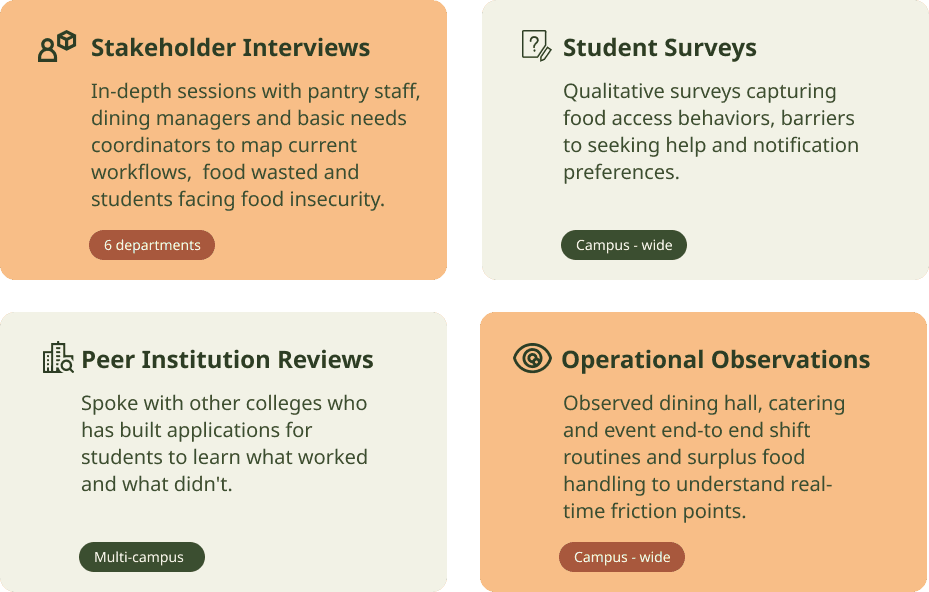
Before building the app, we spoke with the people closest to the problem on both sides of the food gap.



Discovery
Key Insights


Ideation
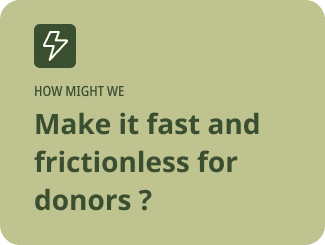
Starting from six research insights, we framed three "how might we" questions to focus the design on the moments that mattered most:


We mapped the end-to-end journey as hand-drawn storyboard panels to align on the core problem
Concept Exploration Sketch

We built separate flows for students and donors to ensure both sides of the connection were designed intentionally, tracing every decision point from opening the app to completing a pickup or viewing impact
User Flow

Visual Identity

Logo and Visual Style
The rounded character icon combines elements of a food bowl and a friendly companion, creating an approachable and welcoming identity. The leaf accent reinforces the platform's sustainability mission, symbolizing food waste reduction and environmental responsibility.

Mascot
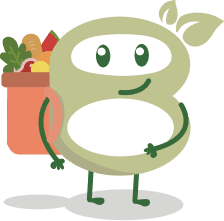
The mascot is designed as a companion. A friendly character holding groceries frames food access as a positive campus experience.


Wireframe to Hi-fi
Before building the full interface, to validate our core assumption, we prototyped the AI photo-fill feature in isolation the moment a donor snaps a photo and the app automatically populates the food name, category, allergens, and quantity.
Rapid prototype made to test the AI photo fill feature with donors.
User Testing
Total Respondants:
Goal:
31 Survey Responses
Test the design elements, layouts features and functions for both students and donors.
of participants successfully could successfully reserve food.
90%
User Completion
of participants expressed their to have Bite Buddy implemented on campus.
87%
User Satisfaction and Attraction
of users preferred the AI - assisted workflow and identified it as one of the mot valuable features of the platform.
94%
Found AI fill useful
of participants felt trustworthy and friendly to use.
90%
Found the platform
judgement - free
Final Design
Student Side Food Reservation and Flow
The final design features real-time food listings, search and organization filters, clear availability indicators, and detailed food information, including ingredients and allergens. A one-tap reservation flow, instant confirmation, pickup instructions, and reservation tracking ensuring a seamless, judgment-free experience from discovery to pickup.

Building Trust Through Transparency
The food detail page provides essential information including pickup location, pickup window, ingredients, and allergen details to help students make informed decisions before reserving food.
Verified Donor Onboarding
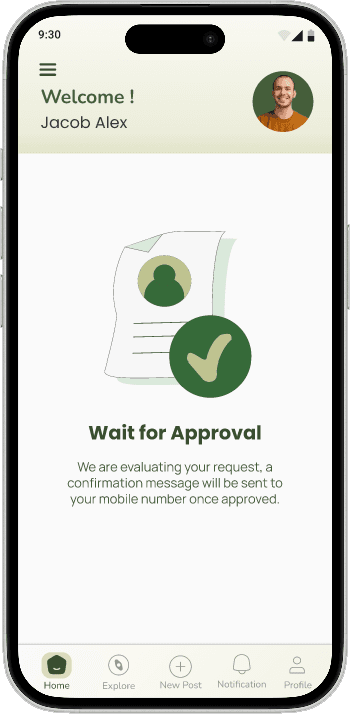
To ensure food safety and maintain the quality of donations, BiteBuddy requires all campus food providers to complete a guided onboarding process before they can post surplus food. This verification workflow helps establish trust between donors and students while ensuring that all donations follow campus food safety guidelines.
1. Registration

2. Approval
Food Safety Training

4. Complete Training Videos

5. Knowledge Check

6. Ready to Doante

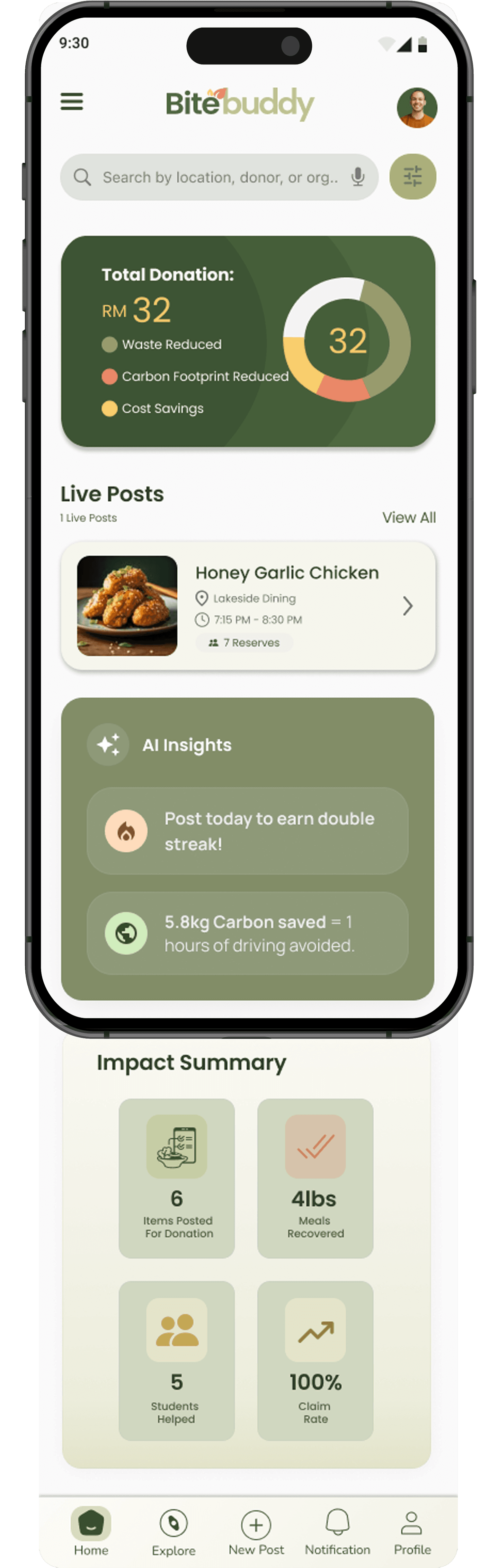
Donor Statistics
The dashboard was designed to help donors quickly understand the results of their contributions, creating a sense of accomplishment while encouraging ongoing participation in campus food recovery efforts.
Presenting to the Campus Community
The team selected to present BiteBuddy at SUNY Oswego's AI & Future of Work Conference. Sharing our work with students, faculty, and industry professionals allowed us to gather valuable feedback, and spark conversations about using AI to address campus food insecurity and food waste. We received strong interest in the platform's potential for campus adoption.


Reflections
Speaking directly with students and collaborating with campus stakeholders helped me see the challenge from multiple perspectives, allowing me to create a solution that was both inclusive and practical.
I also learned that good UX extends beyond the interface. Designing within real operational constraints, choosing empathetic language, and validating ideas through continuous user feedback were just as important as creating polished screens.
Future Improvements
Validate in real operational settings: Test the donor workflow with dining staff during actual kitchen closing or event wrap-up to better understand time constraints, food safety procedures, and operational challenges.
Improve the no-show experience: Design a clearer workflow for unclaimed food with donor notifications, alternative actions, and insights into no-show trends to reduce uncertainty and food waste.
Highlight collective campus impact: Expand the dashboard to include campus-wide sustainability metrics alongside individual contributions, reinforcing a shared sense of community and environmental impact.

Let's build something worth remembering.
Great experiences are built through collaboration.
Whether you have a project in mind, an opportunity to discuss, or simply want to connect, I'd love to hear from you!
Feel free to get in touch by
sending a message.
